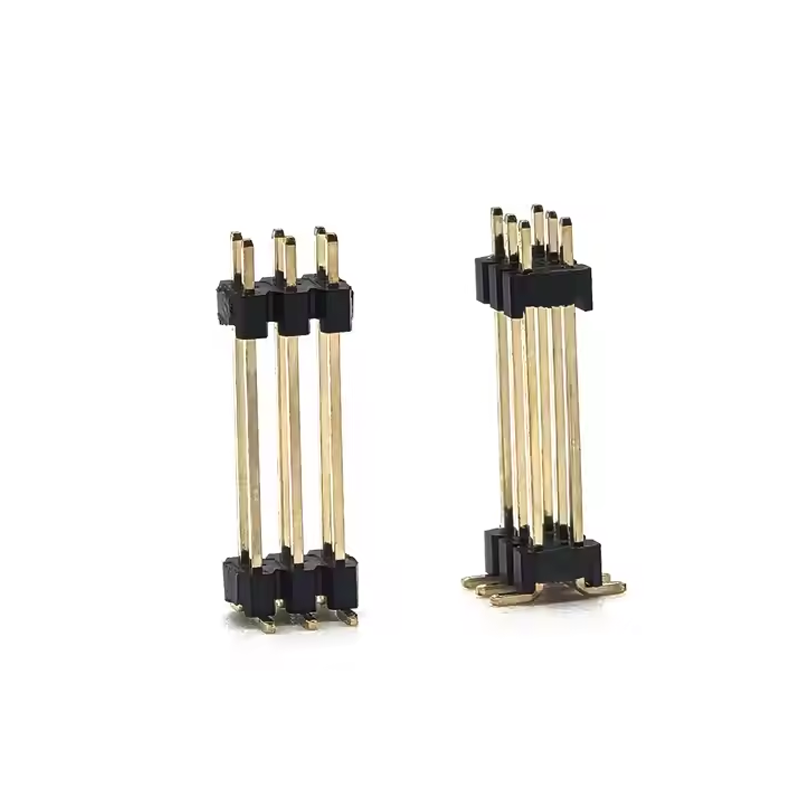
Proper removal of pin header connector components requires careful procedure to prevent damage to both the electronic connector and circuit board.Follow these essential steps for safe extraction of these fundamental electronic components.
Key Removal Steps:
1.Safety First:Disconnect all power sources and detach any cables from the pin header to eliminate electrical hazards.
2.Tool Preparation:Gather necessary tools including small screwdrivers,tweezers,and a specialized pin header extraction tool.
3.Release Mechanism:Gently release the locking clip using appropriate tools,applying careful pressure to disengage it from the connector body.
4.Extraction Process:Once the locking clip is released,use the extraction tool or your fingers to gently pull the pin header straight out from its socket,avoiding angled force.
5.Post-Removal Inspection:Examine both the extracted pin header connector and the PCB socket for any signs of damage,bending,or broken pins.
6.Reinstallation(Optional):For reinstallation,ensure proper alignment and fully engage the locking mechanism to secure the electronic connector in place.